

Boost Your Search Visibility in 48 Hours with Google Search Console + Squarespace
Boost Your Squarespace SEO in 48 Hours with Google Search ConsoleQuick guide to connect Google Search Console to Squarespace so you can see your real search keywords fast. See real keyword data, track impressions and clicks, and understand how people find your site. This simple setup helps you improve your SEO fast and make smarter updates over time.

Should I Use Squarespace or Showit?
Business owners often look for the best website platform because they want something reliable, simple to manage, and strong enough to support real growth. Squarespace and Showit both promise creative freedom, but the experience of running your business on each platform feels very different. Squarespace gives you an all‑in‑one system that handles hosting, SEO, security, blogging, ecommerce, and mobile design without extra tools. Showit offers flexibility, but it also brings more steps, more plugins, and more long‑term maintenance. This guide breaks down the real differences so you can choose the platform that protects your time, supports your brand, and keeps your website running smoothly as your business expands.

Is Canva Worth Paying For? Essential Insights for Business Owners
Canva is one of the simplest ways for business owners to create consistent, professional visuals without needing advanced design skills. As a Kansas City web designer, I use Canva every day to build brand kits, collaborate with clients, and create fast, polished marketing assets. Adobe is still the industry standard for designers, but here’s the part most people don’t say out loud. Canva gives everyday business owners the power to look professionally branded without the stress, cost, or learning curve of complex software. If you want clean visuals, easy collaboration, and a tool you can actually use, the subscription is absolutely worth it.

How To Set Up A Canva Brand Kit Like A Real Designer
Your Canva Brand Kit is the control center for your entire visual identity. When your logos, colors, fonts, imagery, and brand voice are all organized in one place, Canva finally works with you instead of slowing you down. This guide walks you through setting up your Brand Kit step by step so your marketing becomes consistent, professional, and easy to create every time you open Canva.
How to Start Your Squarespace Website
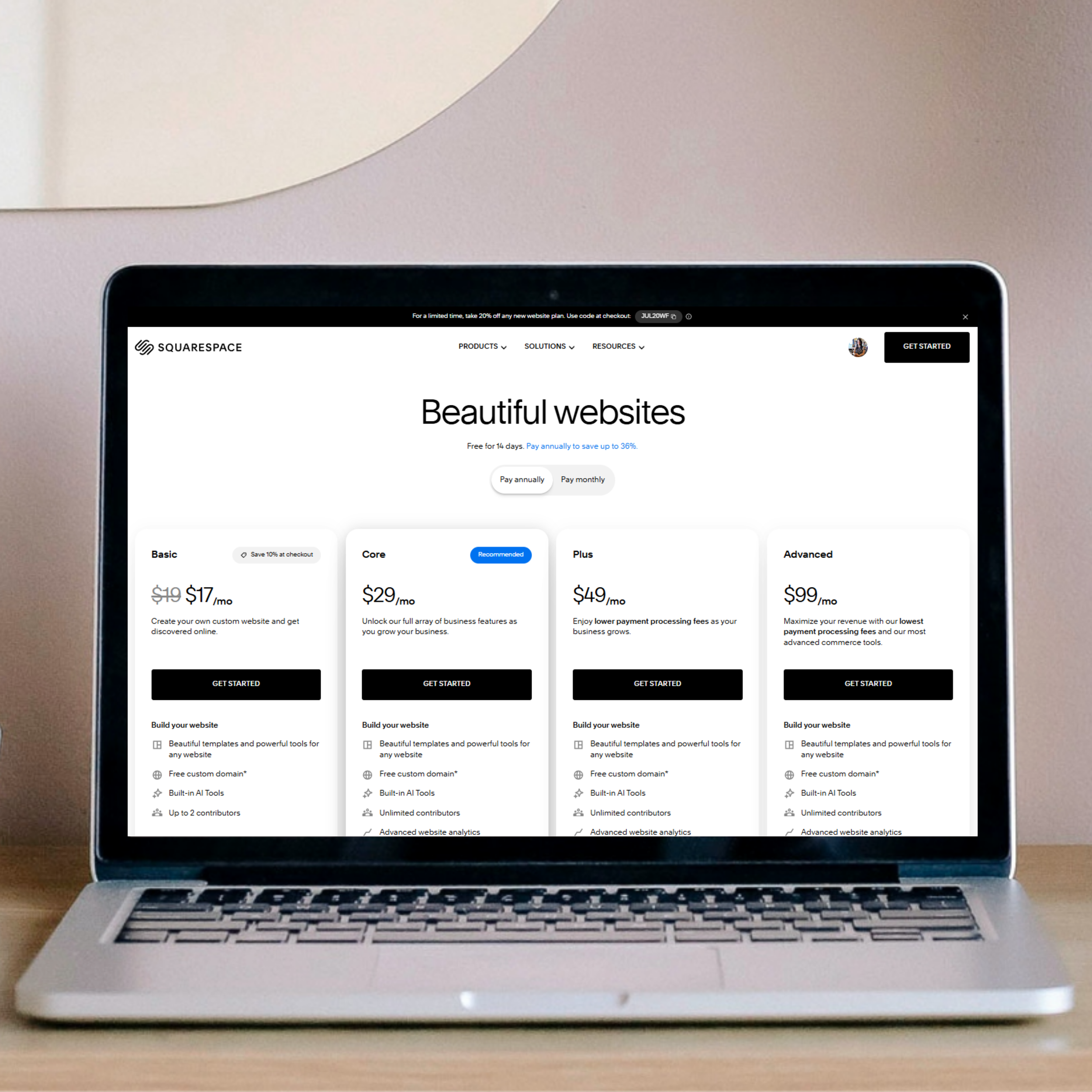
%t by %a gives you the exact steps to build a clean, professional Squarespace website without overwhelm. Read it at %u to learn how to choose the right template, plan your pages, add your branding, write clear content, set up SEO, and publish with confidence. This is the kind of friendly roadmap that makes everything click and has you finally saying I can do this.

How to Update Your Website Without Breaking Anything
Learn how to update your website without breaking anything using simple Squarespace editing habits. Protect your layout, save templates, and make confident updates with a clean, stable structure.
Make Your Squarespace Site Look Clean, Modern, and Professional
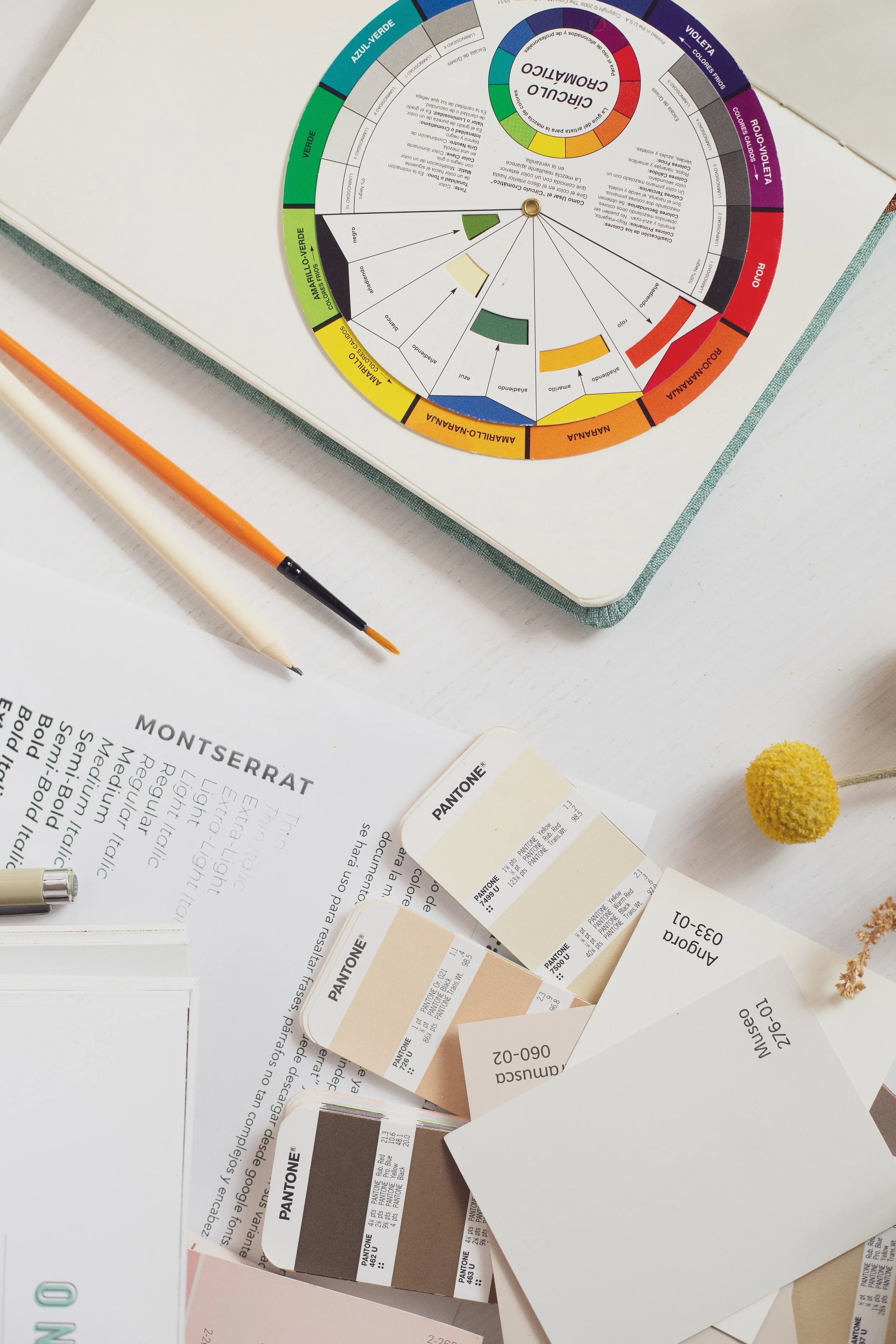
Learn how to make your Squarespace site look right with simple styling steps that improve spacing, images, colors, and layout. Create a clean, modern website that feels intentional and easy to manage.

How to Build a Website That Stops the Guessing
Learn how to build a website with a simple wireframe that outlines your pages, sections, and structure. This step‑by‑step guide helps you create a clean, intentional Squarespace site without the guesswork.

Squarespace Made Simple: Real Answers to the Most Searched Questions and Hidden Costs
Squarespace can feel confusing at first, but it becomes simple once you understand the basics. This guide answers the most common Squarespace questions in clear language so you can feel confident about pricing, templates, domains, SEO, and the real costs of building a website you love.
Squarespace Cleanup Session: Tips, Tricks, and Highlights From June 18 2026 Workshop
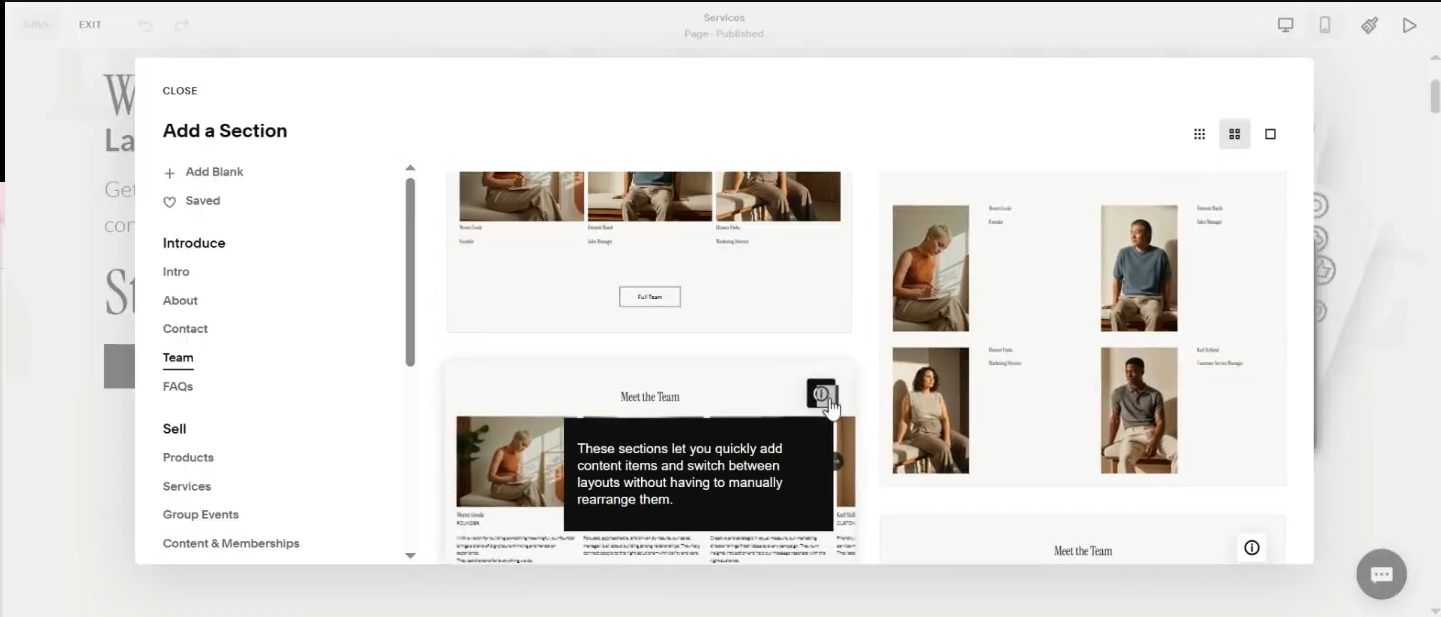
The June 18 Squarespace Cleanup Session was packed with simple, practical improvements you can make to your website in just a few minutes. Inside this recap, you’ll learn how to build a clean digital storefront, organize your navigation to reduce decision fatigue, use saved sections for site‑wide consistency, strengthen your SEO with AI tools, batch your alt text updates, and clean up your layout using Squarespace’s Size and Space panel. You’ll also learn how to connect your site to Google Search Console, use the Squarespace ID Finder for custom code, and keep your animations fast and simple. If you missed the live session, this guide walks you through every tip we covered so you can confidently update your site on your own.

Website Terms Every Business Owner Should Know
Understanding basic website terms gives you the clarity you need to communicate confidently about your site. When you know the right language, you can request updates without guessing, make decisions faster, and stay in control of your brand. This guide breaks down the essential terms every business owner should know so you can manage your website with confidence and communicate with your designer without hesitation.
The ABC’s Guide to Website SEO
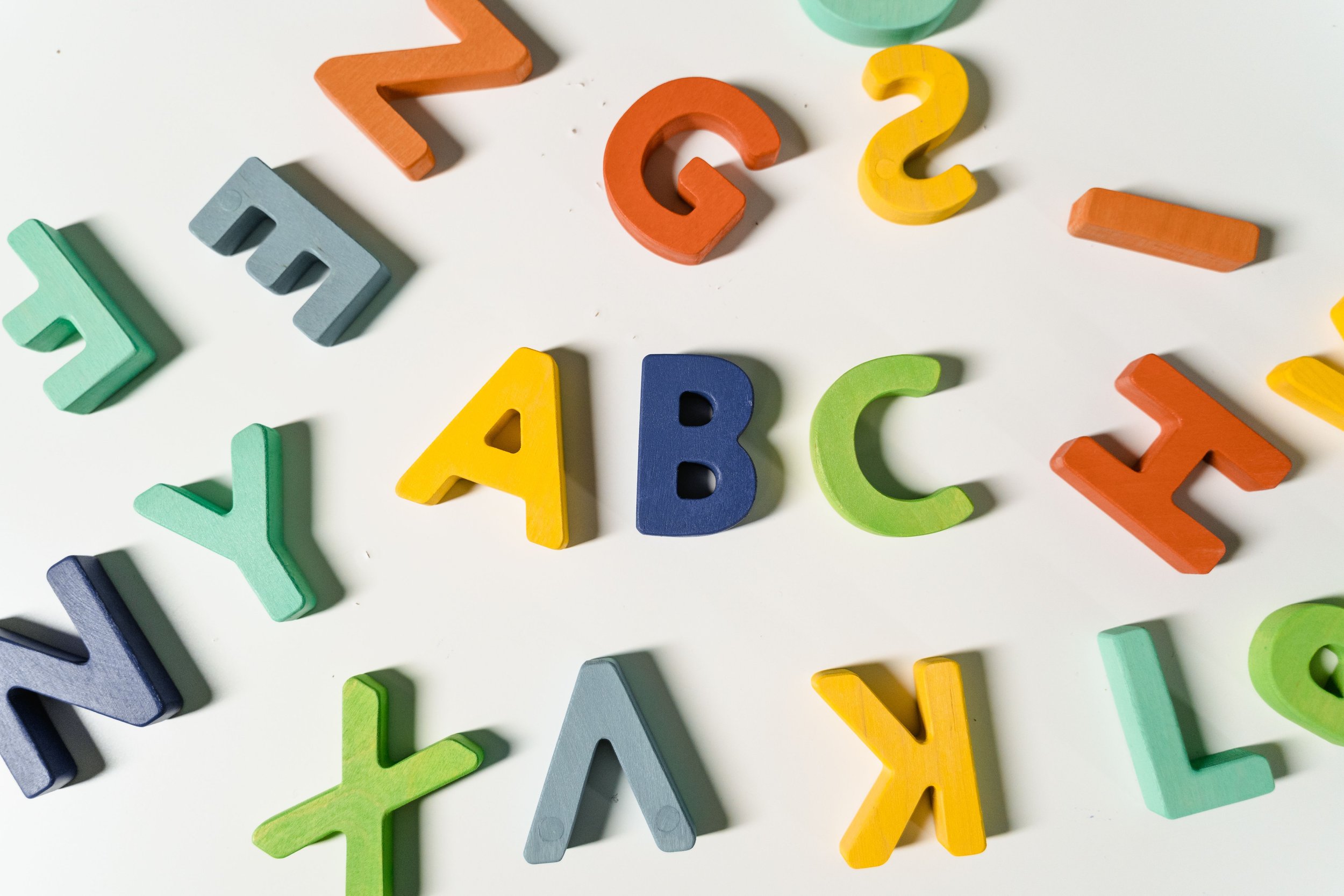
Website SEO does not have to feel like a secret language. Once you understand the basics, everything starts to click into place and you feel way more confident running your online world. Think of this guide as your grown‑up version of the ABCs. The same way we sing A is for Apple to our babies, you can come back to A is for Alt Text, B is for Backlinks, and C is for Calm Down, You’re Doing Great. One letter at a time, you’ll learn the terms that actually matter and finally feel in control of your website.

Branding vs Website Design The Real Difference No One Talks About
If you’ve ever wondered why your website feels “off” or why your logo alone doesn’t make your business feel like a real brand, you’re not alone. Most business owners mix up branding and website design, even though they do completely different jobs. In this post, I’m breaking down the difference in the simplest, friendliest way so you finally know what you actually need and why it matters for your business.
The Squarespace Homepage Formula I Use to Boost Conversions
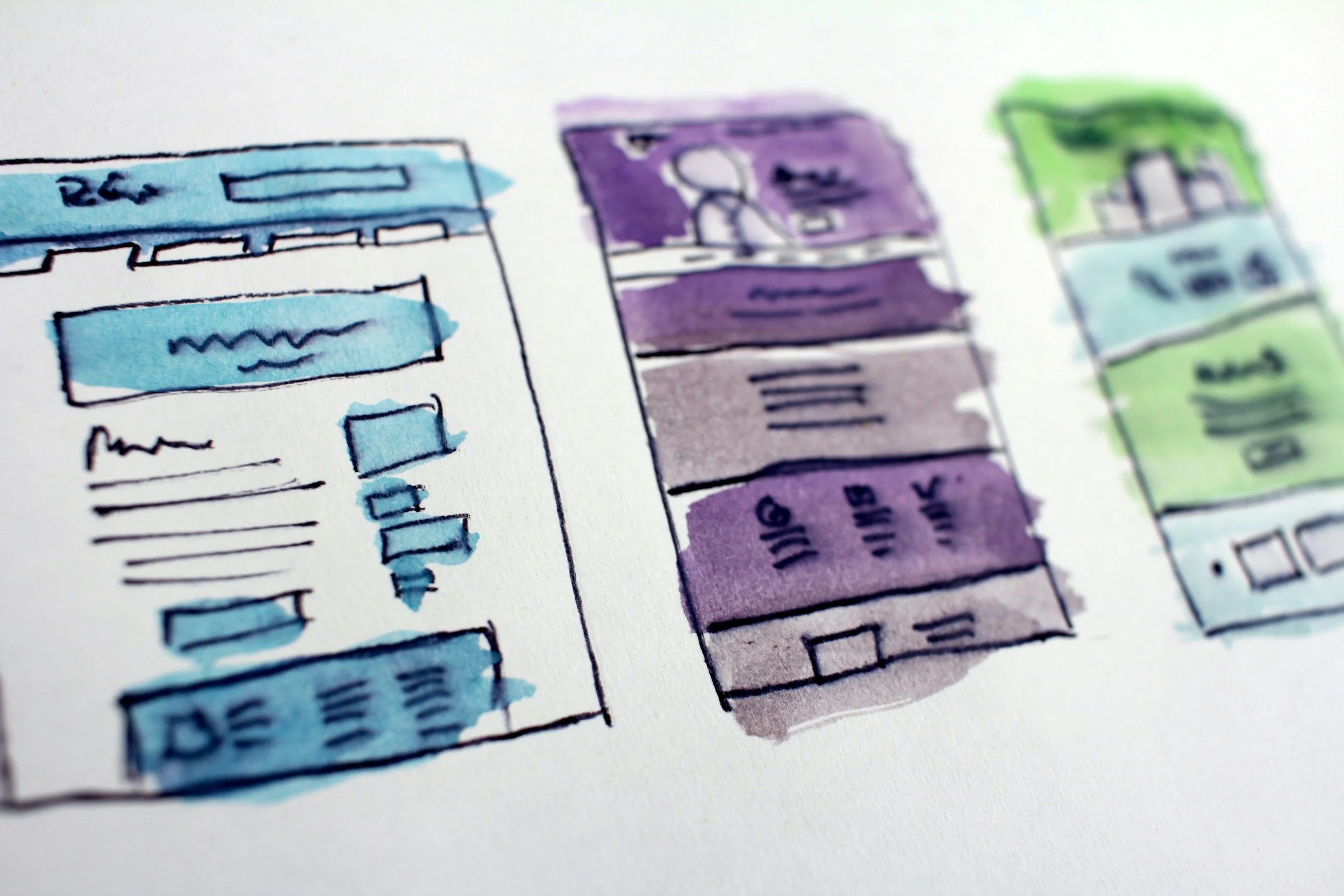
Your homepage is not just a cute welcome mat. It is your digital storefront and your biggest chance to turn casual visitors into paying clients. With the right Squarespace homepage layout, you guide people through a clear path that feels simple, human, and intentional. When you design with strategy instead of vibes, your website conversions go up without adding more pages or more overwhelm. This is the exact formula I use for small business owners who want a homepage that feels good, works hard, and helps their business grow.

9 Reasons I Recommend Squarespace Over Wix (From Someone Who Has Watched Too Many People Try It)
This blog breaks down the real reasons I recommend Squarespace over Wix, based on what I see every day working with small business owners. People come to me excited about Wix because it looks fun and flexible, but the excitement fades fast once the design gets messy, the mobile view breaks, and the settings start to feel like a full time job. I walk through the nine most common frustrations people run into on Wix, from slow loading speeds to outdated templates to layouts that fall apart the second you try to update something. Then I show how Squarespace solves each issue with simple, built in tools that make your website clean, stable, and easy to manage. By the end, it is clear why I always guide my clients toward Squarespace. It is the platform that supports your business instead of stressing you out.

10 Common Squarespace Mistakes Small Business Owners Make and How to Fix Them
Most small business owners open their Squarespace dashboard with big dreams and then immediately wonder what they just got themselves into. If you have ever clicked one thing, broken three things, and questioned your entire life path, you are not alone. This guide breaks down the ten most common Squarespace mistakes I see business owners make and shows you exactly how to fix each one. From default templates and giant images to hidden CTAs, messy mobile styles, and forgotten SEO, I walk you through the simple changes that make your site cleaner, faster, and more effective. If you want your Squarespace website to finally look like the polished, aligned, money‑making brand you imagined, this is where to start. And if you are tired of fighting with your site, I can help.

Why I Build Client Websites on Squarespace
Most small business owners want the same thing from their website. They want something modern, clear, and easy to manage without needing a full time designer to maintain it. That is exactly why I build client websites on Squarespace. It is reliable, intuitive, and built for real people who are running real businesses, not tech labs. In this post, I break down why Squarespace consistently gives my Kansas City clients the stability, clarity, and long term support they need. From clean layouts and simple editing tools to built in security, fast load times, and features that actually help businesses grow, Squarespace makes it possible to have a professional website without the overwhelm. If you want a site that supports your business instead of draining your time, this is the platform I trust.