
The short answer is yes.
As a Squarespace web designer and brand identity designer, I get asked all the time if Canva is worth the monthly subscription. The short answer is yes. The longer answer is that Canva has become one of the most reliable tools in my workflow, especially when I am building brand kits, collaborating with clients, and keeping design projects organized across platforms.
I work with small business owners every day. Most of them are not designers. They do not want to open Adobe Illustrator just to resize a logo or adjust a social graphic. They want something simple, intuitive, and fast. Canva delivers exactly that.

Reference Image: Viridiana Rivera
Why Canva Works So Well for My Workflow
Brand Kits That Stay Organized
Canva’s Brand Kit feature is one of my favorite tools. I can upload logos, set color palettes, lock in brand fonts, and create a full visual identity that my clients can use without breaking anything. It keeps everything consistent and saves me hours of back and forth.
Easy Collaboration
Inviting collaborators is seamless. My clients can jump in, leave comments, make small edits, or duplicate templates without disrupting the original design. It keeps the project moving and gives them confidence in their own marketing.
Integrations That Actually Help
Canva connects with a huge range of apps. I can pull in content from Google Drive, Dropbox, Instagram, and more. It feels like everything is in one place. For small business owners who are juggling a million things, this matters.
How It Compares to Adobe
Adobe is incredible. It is the industry standard for a reason. I use Adobe for high level brand identity work, logo design, and anything that requires precision. Tools like Illustrator and Photoshop give me full control and allow me to create assets that Canva simply cannot replicate.
But here is the truth. Most everyday business owners do not need Adobe. They need something they can use confidently without a learning curve. Canva fills that gap perfectly. It is affordable, accessible, and powerful enough for the majority of marketing tasks.
Adobe is for designers. Canva is for everyone else. And that is exactly why the subscription is worth it.
Canva Pricing: What You Actually Get for the Monthly Cost
If you have been wondering whether Canva’s monthly subscription is worth it, here is the real breakdown. Canva Pro is available as both a monthly plan and a discounted annual plan. The annual option is often the best value, and the pricing reflects that.
Canva Pro Annual Plan
Right now, the annual Canva Pro subscription is listed at $30.90 per year, which breaks down to about $2.57 per month. This is one of the most affordable branding tools you can invest in as a small business owner.
You get access to premium templates, brand kits, background remover, magic resize, and all the features that make your marketing look professionally designed. For most business owners, this single subscription replaces hours of design time and keeps your visuals consistent across every platform.
Canva Monthly Plan
If you prefer to pay month to month, Canva also offers a standard monthly Pro plan. The monthly option costs more than the annual breakdown, but it gives you flexibility if you are not ready to commit to a full year. It is perfect for business owners who want to test Canva before fully diving in.
Canva for Teams
If you collaborate with contractors, assistants, or multiple team members, Canva for Teams is designed for you. It includes shared brand kits, shared folders, and real‑time collaboration so everyone stays aligned. Pricing is based on the number of users, which makes it ideal for small businesses that want consistent visuals across every person touching the brand.
Which One Should You Choose
If you use Canva regularly for social graphics, brand kits, templates, or client collaboration, the annual plan is the best value. If you are still experimenting or only need Canva for a short‑term project, the monthly plan works perfectly.
Either way, the subscription pays for itself quickly because it saves you hours of design time and keeps your branding consistent across every platform.
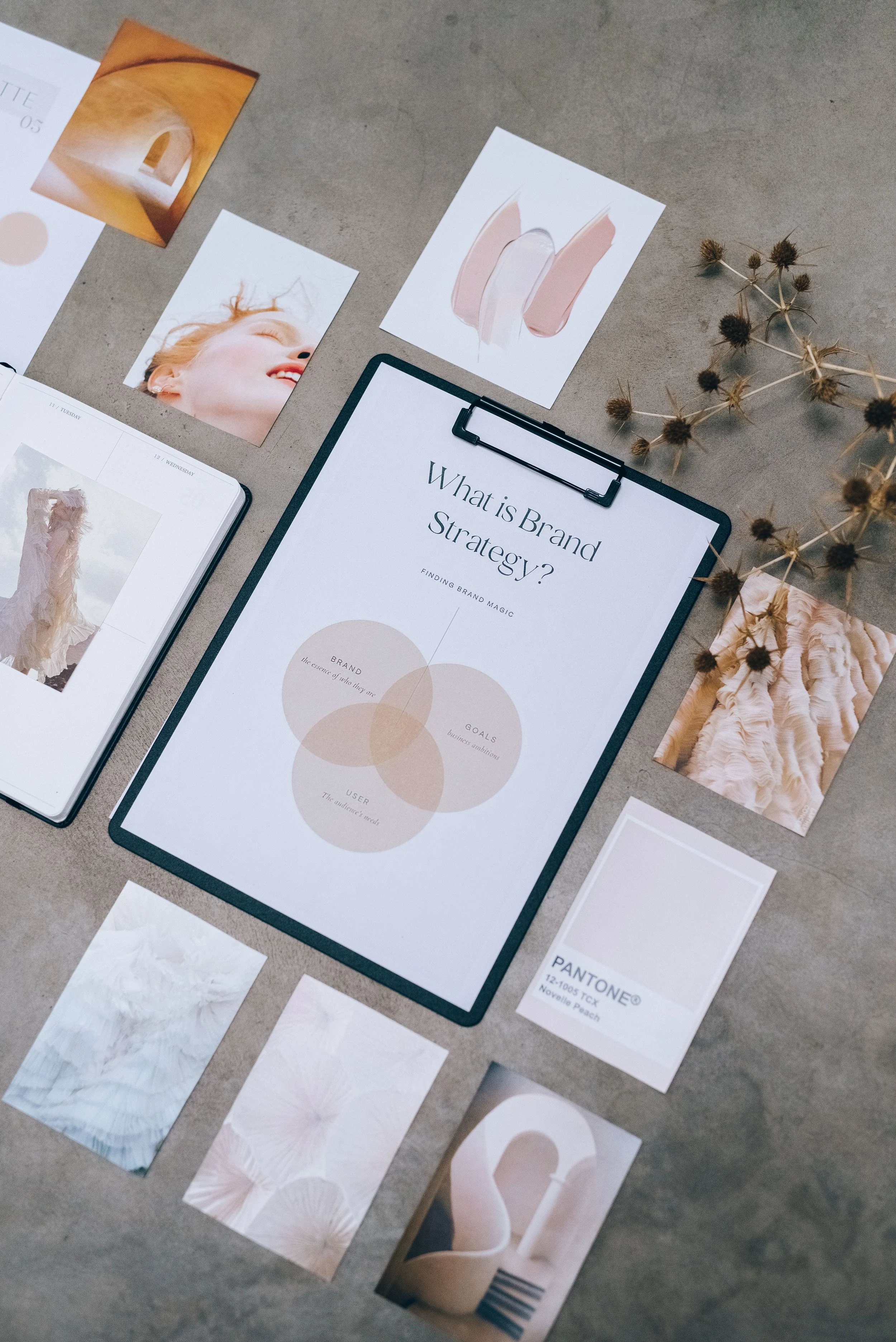
Reference Image: Leeloo The First
Who Canva Is Perfect For
Small business owners who want clean, consistent marketing
Nonprofits who need quick templates and easy collaboration
Creators who want to design without learning complex software
Anyone who wants to stay organized with a brand kit
My Final Thoughts
As someone who designs websites, builds brand identities, and supports clients who want to feel confident in their own marketing, Canva is absolutely worth the subscription. It gives my clients freedom. It keeps my workflow smooth. And it bridges the gap between professional design and everyday usability.
Catch up on All My Blogging Related Blog Posts Here.
You’ll Also Love



Hello, world! I’m Lourin. I’m a Kansas City mama, creative, and website designer who loves helping small businesses and community leaders show up with clarity and confidence. Here on the blog you can read about my favorite things, like small business growth, simple website tips, community stories, and the behind‑the‑scenes of building a life and business I love. So glad you’re here!


Boost Your Squarespace SEO in 48 Hours with Google Search ConsoleQuick guide to connect Google Search Console to Squarespace so you can see your real search keywords fast. See real keyword data, track impressions and clicks, and understand how people find your site. This simple setup helps you improve your SEO fast and make smarter updates over time.