
Website Terms Every Business Owner Should Know
The Website Terms You Actually Need To Know
Understanding basic website terms makes every conversation about your site easier. It helps you communicate clearly, request updates without guessing, and stay in control of your brand. When you know the right words, you save time, avoid confusion, and make better decisions for your business.
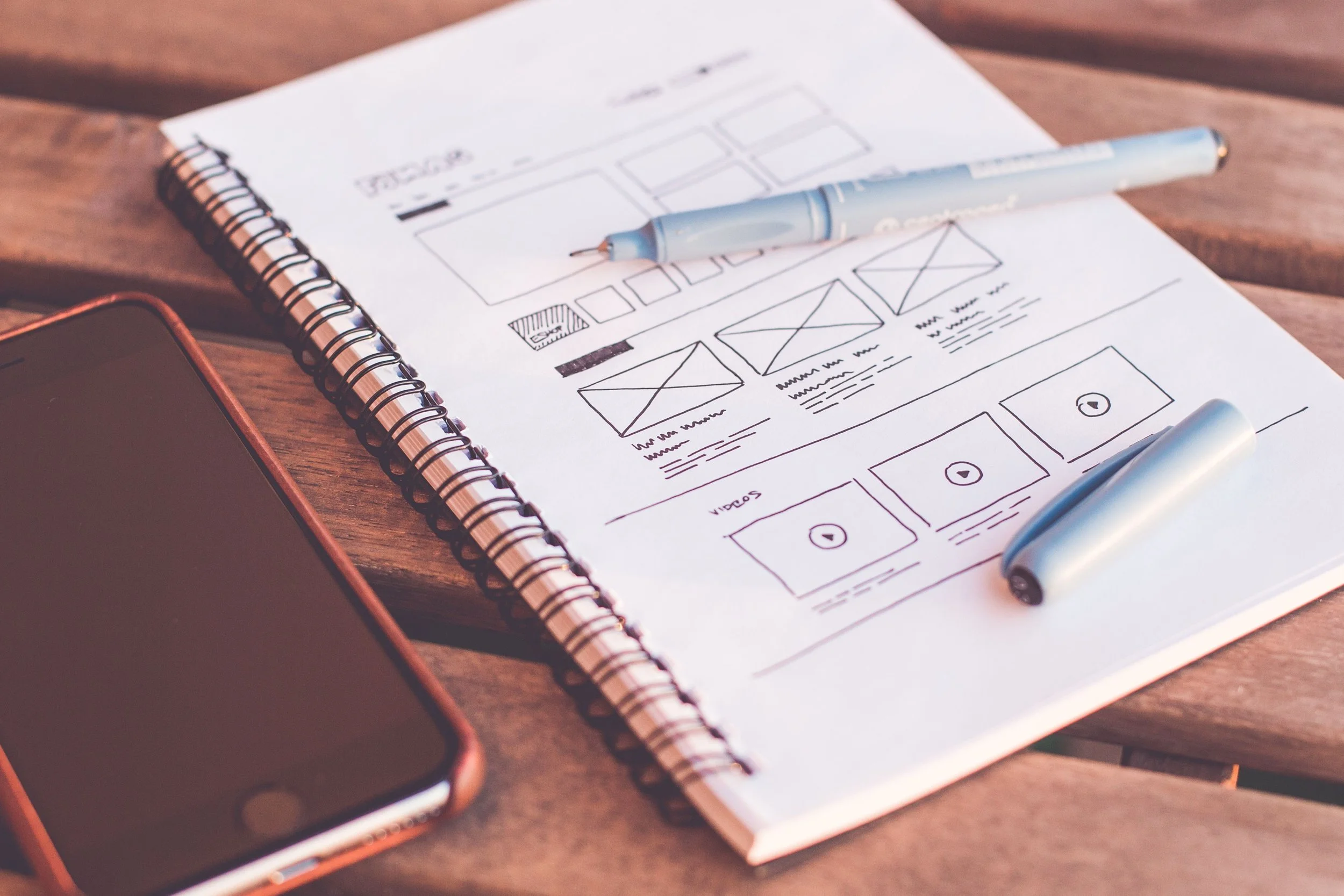
Photo Credit: picjumbo.com
Why this feels confusing
Most business owners were never taught website terminology in a simple or practical way. You learned your business by doing the work, not by studying web design, so it makes sense that some of these terms still feel unfamiliar.
I once had a client ask me to fix “the little square under the big picture next to the button.” I understood what she meant, but I could tell she felt unsure and frustrated because she didn’t have the right words to describe it.
Once I walked her through the correct terms, everything clicked. She wasn’t confused. She just didn’t have the vocabulary yet. After that, she communicated clearly, made decisions faster, and felt more confident managing her website.
You can have that same clarity.
The Terms Made Simple
Header
The header is the top section of your website that holds your logo and your main menu. It is the first thing people see, so clarity and simplicity matter.
Tip: Keep your header clean and make it sticky so it stays visible while people scroll.
Navigation
Navigation is the set of links at the top of your site that help people move between pages like Home, About, Services, and Contact.
Tip: Keep your navigation short and place your most important page second because it gets more clicks than you expect.

Photo Credit: olia danilevich
Hero Section
The hero section is the large first section people see when they land on your site. It usually includes your main message, a photo, and a primary button.
Tip: Use a clear, human photo and choose a button color that aligns with your brand so people click naturally.
Headline + Tagline
Your headline is the main statement at the top of your hero section. Your tagline is the supporting line underneath it. Together they explain what you do in a simple, direct way.
Tip: Write your headline as a clear answer to what you help people do and use one emotional word in your tagline to make it memorable.
Body Copy
Body copy is the text throughout your website. It includes your explanations, details, and descriptions.
Tip: Write in a natural, conversational tone and break long paragraphs into shorter ones to keep people reading.
Product or Service Section
This section outlines what you offer, including your packages, features, and benefits. It helps people decide whether to work with you.
Tip: Lead with the transformation you provide and include a line that starts with “This is perfect for you if . . .” to help people identify themselves in your offer.
Banner
A banner is a wide section used to highlight something important like a sale, announcement, or reminder.
Tip: Keep your banner short and use a contrasting color so it stands out without overwhelming the page.
Testimonials
Testimonials are reviews from clients that build trust and credibility.
Tip: Choose testimonials that describe the client’s experience and include a photo when possible to increase trust.
Lead Magnet Section
This section promotes a free resource you offer in exchange for someone’s email address.
Tip: Offer something that solves a small, specific problem quickly and mention that it takes less than five minutes to complete.
CTA (Call to Action)
A CTA is the button that tells people what to do next, such as Book Now, Learn More, or Download.
Tip: Use clear, friendly verbs and keep your CTA color consistent across your site so people recognize it instantly.
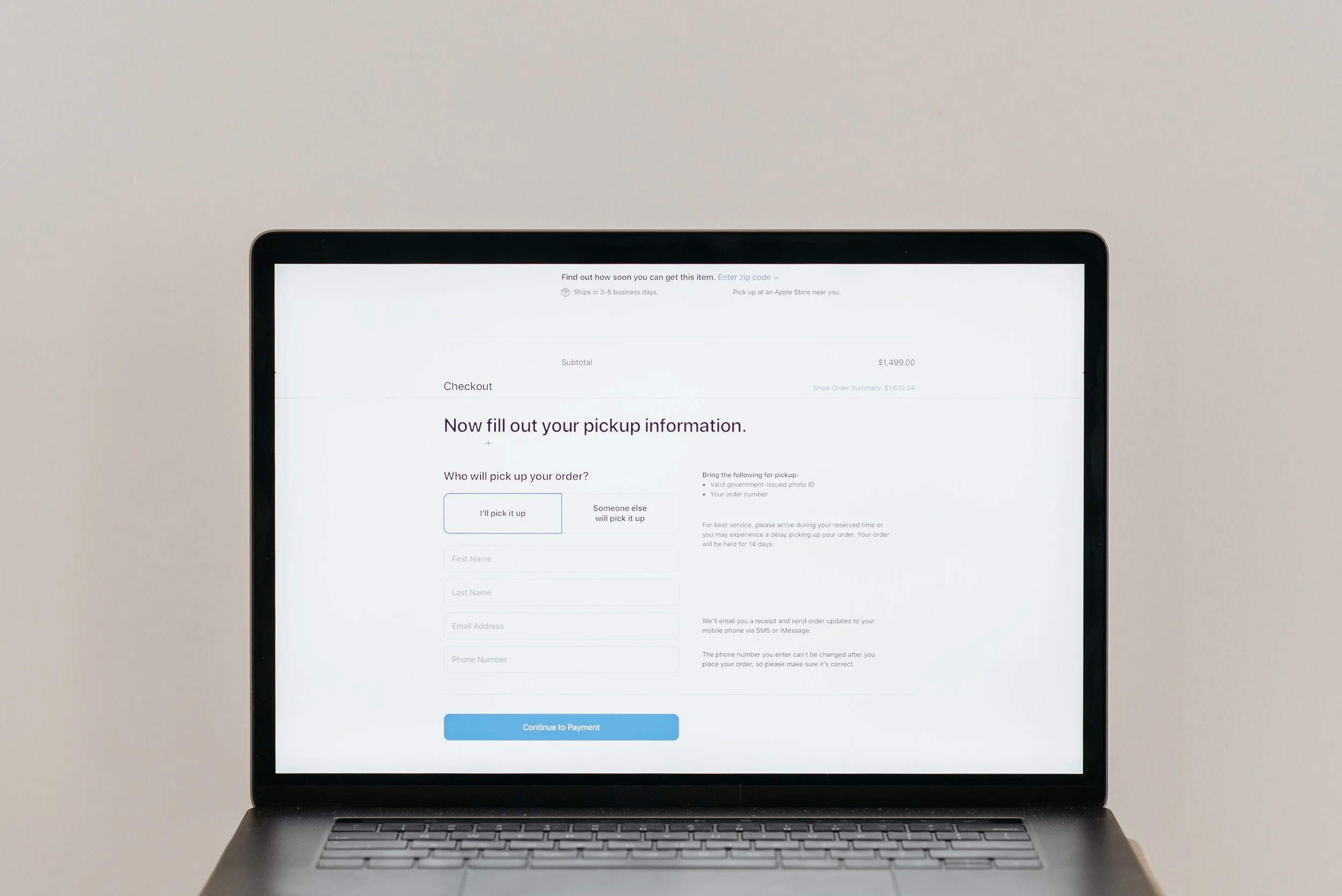
Photo Credit: Pavel Danilyuk
Contact Form
Your contact form is where people submit their name, email, and message to reach you.
Tip: Keep your form short and add a brief note about your response time to build trust.
Footer
The footer is the bottom section of your website that includes your logo, links, and contact information.
Tip: Keep your footer organized and include your copyright year so your site always feels current.
A simple checklist to help everything stick
You can save this list and use it anytime you need to talk about your website:
Banner
Testimonials
Lead Magnet
CTA
Contact Form
Footer
Header
Navigation
Hero Section
Headline
Tagline
Body Copy
Product or Service Section
Save it. Screenshot it. Stick it on your wall. Whatever helps you remember.
Your Moment of Clarity
You do not need to be a tech expert to communicate clearly about your website. Once you understand the terms, the conversations that used to feel complicated start to feel straightforward. You can ask for updates without hesitating, and you can explain what you want without guessing.
You are not behind. You are not lost. You are learning the language of your website, and you are doing it in a way that strengthens your business and your confidence.
Your Next Step
If you want support creating a website that feels aligned, clear, and easy to manage, I can help you move in that direction. You can book a call, join my email list, or explore another blog. Each option gives you a practical next step that supports your growth.
You will not feel unsure when you talk about your website anymore. You have the vocabulary now, and that gives you control.
Stay ahead while you still can. Every blogging post you need is collected here
You’ll Also Love




Hello, world! I’m Lourin. I’m a Kansas City mama, creative, and website designer who loves helping small businesses and community leaders show up with clarity and confidence. Here on the blog you can read about my favorite things, like small business growth, simple website tips, community stories, and the behind‑the‑scenes of building a life and business I love. So glad you’re here!


Boost Your Squarespace SEO in 48 Hours with Google Search ConsoleQuick guide to connect Google Search Console to Squarespace so you can see your real search keywords fast. See real keyword data, track impressions and clicks, and understand how people find your site. This simple setup helps you improve your SEO fast and make smarter updates over time.